Sōma
Kanva
Get started quickly with Sōma using these short, step-by-step video tutorials.
Connect Framer & Shopify with Framer Commerce
Using this template requires the plugin Framer Commerce, which connects Framer and Shopify. Before getting started, please follow the Framer Commerce Getting Started tutorial to set up the Framer and Shopify connection.
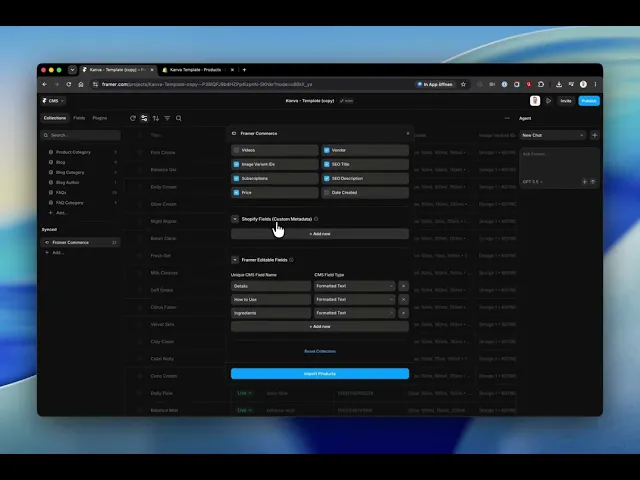
Once you set up the connection between Framer and Framer Commerce you need to setup the Framer plugin:
Download Shopify Demo Products
In your template purchase you will find a CSV file which contains the Shopify demo products. If you haven't download it already, simply login into your Polar customer dashboard to download the file.
Import & Sync your Shopify products
Once you set up your Framer Commerce connection and downloaded the CSV you can sync your Shopify products with Framer. Watch this tutorial to see how.

Need help?
Reach out anytime and I’ll personally get back to you.