Jan 31, 2026

Pawel Gola
Framer & Webflow Expert
Ecommerce is evolving at lightning speed, and today’s shoppers expect visually stunning, flexible online stores that offer more than just products. Businesses need to stay nimble and creative to stand out in this competitive space.
Webflow ecommerce has quickly become the platform of choice for forward-thinking brands. Its no-code approach empowers entrepreneurs and designers to create custom storefronts that blend form with function, all without writing a single line of code.
As we look ahead to 2026, the demand for modern features that boost sales, streamline management, and deliver unique brand experiences is only growing. How can your business keep up?
In this article, you’ll discover the 10 most inspiring Webflow ecommerce features poised to transform any store. Expect practical insights, real-world examples, and tips to get the most from each feature.
Ready to future-proof your online business? Let’s explore the tools and strategies that will help you stay ahead in the ever-changing world of ecommerce.
Why Webflow Ecommerce Is Poised for Breakthroughs in 2026
The ecommerce landscape is evolving at a record pace, and businesses are seeking platforms that enable rapid innovation and standout design. Webflow ecommerce has emerged as a transformative solution, empowering creators to build modern online stores without writing a single line of code. This shift is not just a matter of convenience, but a strategic move for brands aiming to thrive in 2026.
Webflow ecommerce began as a visual website builder, but over the past few years, it has transformed into a robust ecommerce platform tailored for agility and creativity. The platform’s evolution mirrors the broader trends shaping online retail—demand for deep personalization, mobile-first experiences, seamless integrations, and advanced automation. Brands today need more than just a functional storefront; they require digital experiences that engage, convert, and scale.
Recent data highlights the surging popularity of Webflow ecommerce. The user base now exceeds 100,000 websites in the US alone, with significant adoption in the UK, Brazil, Germany, and beyond. According to Webflow's Market Share Growth, the platform’s market share has increased steadily, reflecting rising confidence among both established brands and ambitious startups.
When compared to traditional ecommerce giants like Shopify and WooCommerce, webflow ecommerce stands out in several critical areas. Its visual development interface allows for complete design freedom, enabling brands to craft unique layouts and seamless user journeys. Unlike template-driven platforms, Webflow ecommerce offers granular control over SEO, integrated CMS functionality, and the ability to animate elements for a dynamic shopping experience.
This flexibility is vital as ecommerce brands face unprecedented competition in 2026. Agility and rapid iteration are now essential, not optional. Webflow ecommerce enables teams to launch, test, and refine digital storefronts far more quickly than most code-heavy or rigid platforms. The platform’s code-free customization and no-code integrations allow non-technical users to experiment with new features and workflows that would typically require a developer.
Let’s look at some numbers to illustrate this momentum. Webflow ecommerce boasts user satisfaction rates consistently above 90 percent, with high-traffic stores reporting increased operational efficiency and faster go-to-market times. Notable examples include innovative DTC brands and creative agencies leveraging Webflow’s CMS and ecommerce tools to deliver standout results. The platform’s scalability has also grown, supporting larger catalogs and more complex operations.
Looking ahead, the future for webflow ecommerce is bright. Community feedback continues to drive feature releases, such as improved localization, advanced analytics, and even tighter integration with external tools. Anticipated updates promise to keep the platform at the forefront of ecommerce innovation, making it a compelling choice for brands that want to stay ahead of the curve in 2026 and beyond.
In summary, webflow ecommerce is uniquely positioned to support the next generation of online stores. Its blend of design freedom, technical power, and adaptability ensures that brands can meet evolving customer expectations, capitalize on emerging trends, and unlock new growth opportunities.
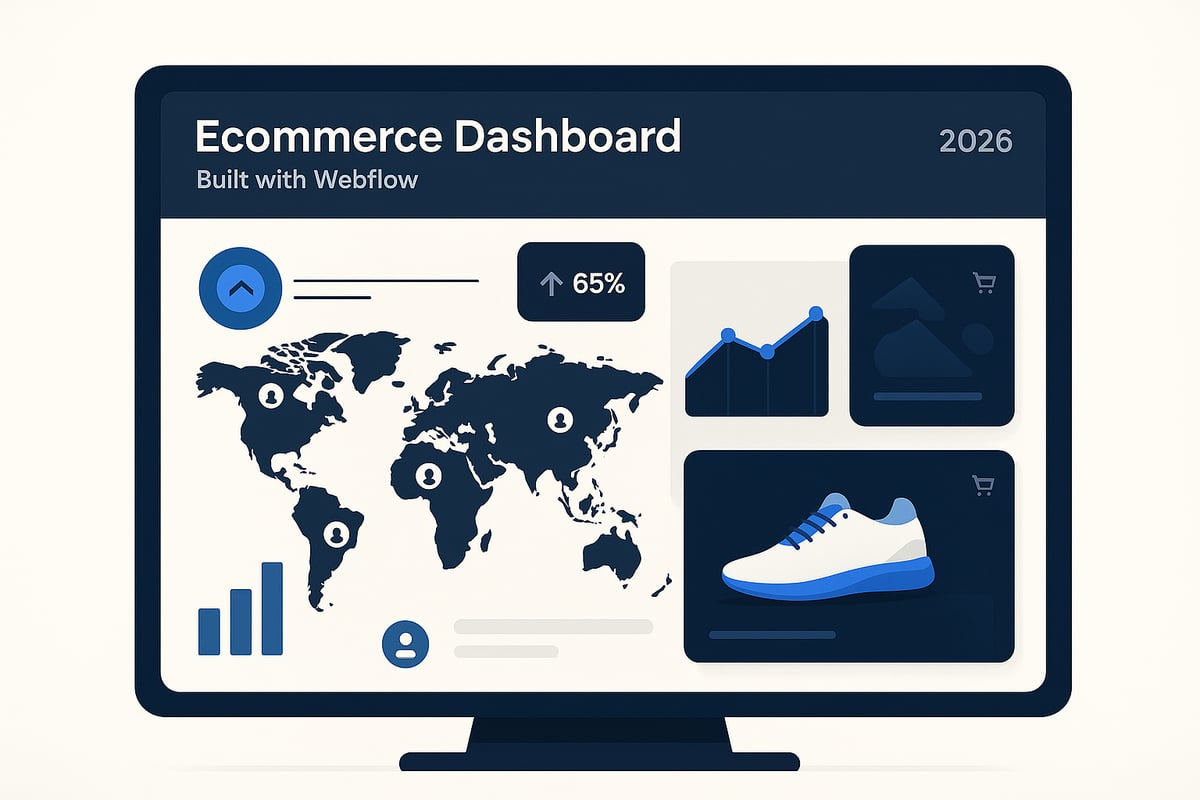
10 Inspiring Webflow Ecommerce Features to Try in 2026
Staying competitive in ecommerce means constantly evolving your online store. The right features can transform not just your user experience but your bottom line. In 2026, webflow ecommerce is pushing boundaries with tools that drive sales, boost engagement, and help brands stand out.
This list breaks down the ten most innovative and practical webflow ecommerce features to try this year. Each one is selected for its impact on conversion, scalability, and usability. Whether you are a growing brand or an established retailer, these features offer actionable strategies to elevate your store.
Expect real-world examples, practical tips, and insights into how these tools can shape the future of your webflow ecommerce strategy. If you are looking for design inspiration, check out the Ecommerce Webflow templates guide, which showcases templates built for modern stores.
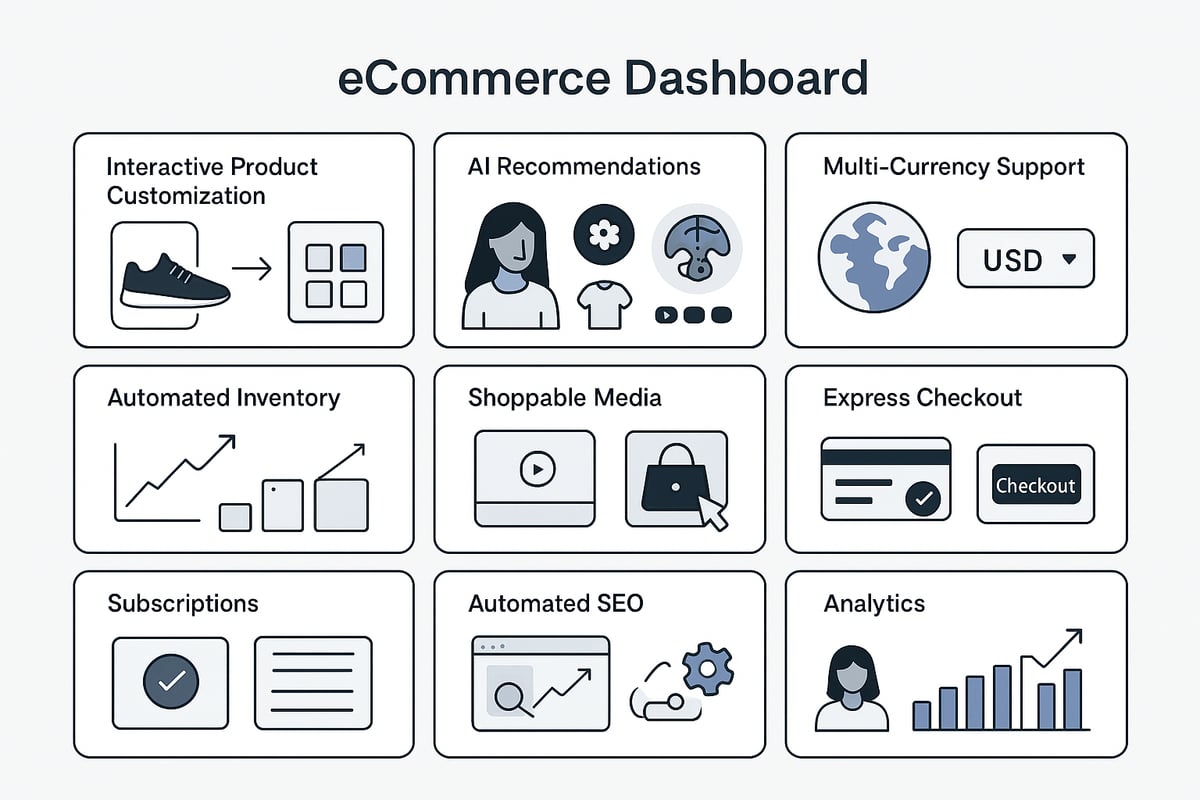
1. Advanced Visual Product Customization
Empowering shoppers to personalize products in real time is a game changer for webflow ecommerce. This feature enables customers to tweak colors, add text, or upload images with instant live previews, all within your store.
Brands selling apparel, gifts, home décor, and even B2B products can leverage this capability. By integrating with Webflow’s CMS and custom code embeds, you unlock dynamic options that adapt to your product catalog.
Boosts engagement and reduces purchase hesitation
Increases perceived product value
Creates new upsell opportunities
For example, an online poster shop might let users choose background hues and add custom quotes. While the benefits are clear, careful UI design is essential to prevent user confusion. This feature is ideal for brands seeking unique selling points and aiming for higher average order values.
2. AI-Powered Product Recommendations
Personalization lies at the heart of modern webflow ecommerce. AI-powered product recommendations integrate with Zapier or third-party APIs to analyze browsing and purchase history, delivering targeted upsells and cross-sells.
Fashion retailers can use this feature to suggest matching accessories as customers add items to their carts. By connecting Webflow with AI engines, you automate the recommendation process, saving time and improving accuracy.
Drives higher conversion rates
Improves customer satisfaction with tailored suggestions
Supports larger and more diverse catalogs
Implementation may require extra tools or subscriptions, yet the payoff is increased basket sizes and repeat purchases. Stores with varied inventory and established customer bases will benefit most from this feature.
3. Seamless Multi-Currency & Localization Support
Global expansion is within reach for webflow ecommerce stores that offer seamless multi-currency and localization support. Automatically switch currencies and languages for each shopper, creating a frictionless international shopping experience.
Integrate payment gateways like Stripe or PayPal and use third-party localization tools to serve diverse regions. A beauty brand, for instance, can display local pricing and content for US, UK, and EU shoppers.
Expands your market reach
Builds trust with international customers
Increases cross-border sales
While setup can be complex, the benefits for brands targeting global audiences are significant. This feature enhances user trust and ensures your products resonate worldwide.
4. Automated Inventory & Order Management
Efficient operations are vital for scaling webflow ecommerce. Automated inventory and order management keeps stock levels updated in real time and triggers low-stock alerts, reducing manual errors.
Connect Webflow’s CMS with tools like Airtable or Zapier for advanced workflow automation. A boutique, for example, can sync inventory data with shipping software, streamlining fulfillment and reducing the risk of overselling.
Saves time on manual tasks
Improves shipping speed and accuracy
Reduces customer complaints
There is a learning curve for automation setup, but growing stores with expanding product lines will benefit from increased efficiency and fewer headaches.
5. Interactive Shoppable Media Galleries
Visual storytelling is central to webflow ecommerce, especially for brands reliant on aesthetics. Interactive shoppable media galleries let you embed videos, 360° product views, or clickable images directly on product pages.
Use Webflow’s animation and interaction tools to create immersive experiences. Imagine a home décor store presenting interactive room scenes where shoppers can click to buy featured items.
Increases engagement and buyer confidence
Differentiates your brand visually
Encourages discovery of related products
High-quality media assets are essential for impact, but the results are worth it for visual-first brands like fashion, furniture, and art retailers.
6. One-Click Checkout & Express Payment Integrations
Speed is essential in webflow ecommerce, and a streamlined checkout process can drastically reduce cart abandonment. One-click checkout and express payment integrations, like Apple Pay and Google Pay, simplify transactions for returning customers.
An electronics store, for instance, can enable repeat buyers to check out in seconds. This leads to higher mobile conversion rates and improved user satisfaction.
Reduces friction during purchase
Supports impulse buying, especially on mobile
Increases conversion rates for returning shoppers
The main limitation is payment provider availability in certain regions. However, for stores with high mobile traffic, this feature is a must-have.
7. Subscription & Membership Commerce Capabilities
Recurring revenue models are increasingly popular in webflow ecommerce. Subscription and membership features allow you to sell products, services, or exclusive content on a recurring basis.
Integrate Memberstack, Outseta, or custom workflows to automate billing, manage member dashboards, and deliver exclusive offers. A wellness brand, for example, might offer monthly product boxes with special member discounts.
Provides predictable revenue streams
Increases customer loyalty and engagement
Opens up new marketing opportunities
Setup requires careful planning, but the long-term value for brands selling consumables, digital goods, or community access is substantial.
8. Dynamic SEO & Schema Markup Automation
Organic search is a cornerstone of webflow ecommerce growth. Dynamic SEO and schema markup automation tools auto-generate meta tags, structured data, and rich snippets for your products.
By integrating with Webflow’s CMS and third-party SEO tools, stores can boost rankings and earn more visible search listings. A bookstore, for instance, could display ratings, reviews, and real-time availability in Google search results.
Increases search visibility and click-through rates
Supports large and frequently updated catalogs
Reduces manual SEO workload
Ongoing monitoring is necessary to maintain results, but this feature is essential for brands aiming to dominate organic search.
9. Customizable Customer Account Portals
Enhancing the post-purchase experience is easier with customizable customer account portals in webflow ecommerce. Let shoppers view order history, manage profiles, and track shipments independently.
Build portals using Webflow’s CMS, user authentication, and custom forms. An apparel store, for example, can empower customers to process returns or exchanges without contacting support.
Reduces support requests
Increases customer satisfaction and retention
Offers new opportunities for upselling
While building these portals is more complex, the payoff is significant for stores with high repeat purchase rates.
10. Integrated Analytics & Conversion Optimization Tools
Data-driven decision-making is key in webflow ecommerce. Integrated analytics and conversion optimization tools, like Google Analytics, Hotjar, or custom event tracking, provide real-time insights into user behavior.
Embed dashboards or A/B testing tools directly within Webflow to monitor performance and refine your site. For example, a SaaS ecommerce brand might optimize landing pages based on heatmap data and conversion results.
Enables continuous improvement
Identifies bottlenecks and growth opportunities
Increases overall ROI
Multiple integrations may be required, but the actionable insights gained are invaluable for brands focused on consistent growth.
How to Implement Webflow Ecommerce Features for Maximum Impact
Adopting the latest webflow ecommerce features can set your online store apart, but implementation is key to success. To maximize results, approach each new feature strategically, ensuring alignment with your business goals and technical capabilities. Here’s a step-by-step process to help you unlock the full potential of your webflow ecommerce site.

Step 1: Evaluate & Prioritize Features
Begin by assessing which webflow ecommerce features align best with your current objectives. Consider your target audience, growth plans, and the unique value you want to deliver. Not every innovation will suit your business model, so prioritize features that directly address your most pressing needs, such as increasing conversions or improving inventory management.
Use a simple table to score potential features based on impact and ease of implementation:
Feature | Impact Score | Implementation Effort |
|---|---|---|
Visual Customization | High | Medium |
AI Recommendations | Medium | High |
Express Checkout | High | Low |
This approach ensures your webflow ecommerce efforts remain focused and effective.
Step 2: Assess Technical Requirements
Next, determine whether your chosen webflow ecommerce features can be implemented natively or if third-party integrations are needed. Review Webflow Ecommerce Overview to understand the platform’s built-in capabilities and limitations.
Identify integration needs early. For example, adding advanced product recommendations may require connecting with external AI tools, while inventory management could benefit from tools like Zapier or Airtable. By assessing requirements upfront, you can plan resources and avoid costly surprises during rollout.
Step 3: Collaborate for Seamless Rollout
Implementing webflow ecommerce features is most successful when you collaborate with skilled designers, developers, or no-code experts. Clear communication ensures your vision is translated accurately into the site experience.
If you seek professional design inspiration or pre-built assets, explore the Popular ecommerce template category to accelerate your launch and maintain best practices. These templates can also serve as a starting point for customizations, ensuring a faster, more reliable rollout.
Step 4: Test, Measure & Optimize
Once new webflow ecommerce features are live, rigorously test their performance. Use analytics tools to track key performance indicators (KPIs) such as conversion rates, average order value, and customer retention.
Consider running A/B tests to compare different implementations, and use heatmaps to observe user interactions. Regularly review data to identify what’s working and where further optimization is needed. Real-world examples show that brands who continuously refine their webflow ecommerce experience see sustained growth and higher customer satisfaction.
Avoid Pitfalls & Stay Updated
Avoid common mistakes like overcustomization, which can slow site performance, or neglecting mobile optimization. Always test changes on various devices before going live.
Stay informed about webflow ecommerce trends and updates by engaging with Webflow University, community forums, and expert agencies. These resources help you adapt quickly, so your store remains competitive as new features and best practices emerge.
Webflow Ecommerce in 2026: Trends, Predictions, and What to Watch
The world of webflow ecommerce is rapidly evolving as we move into 2026. Online stores need to anticipate new trends to stay competitive and deliver next-level shopping experiences.
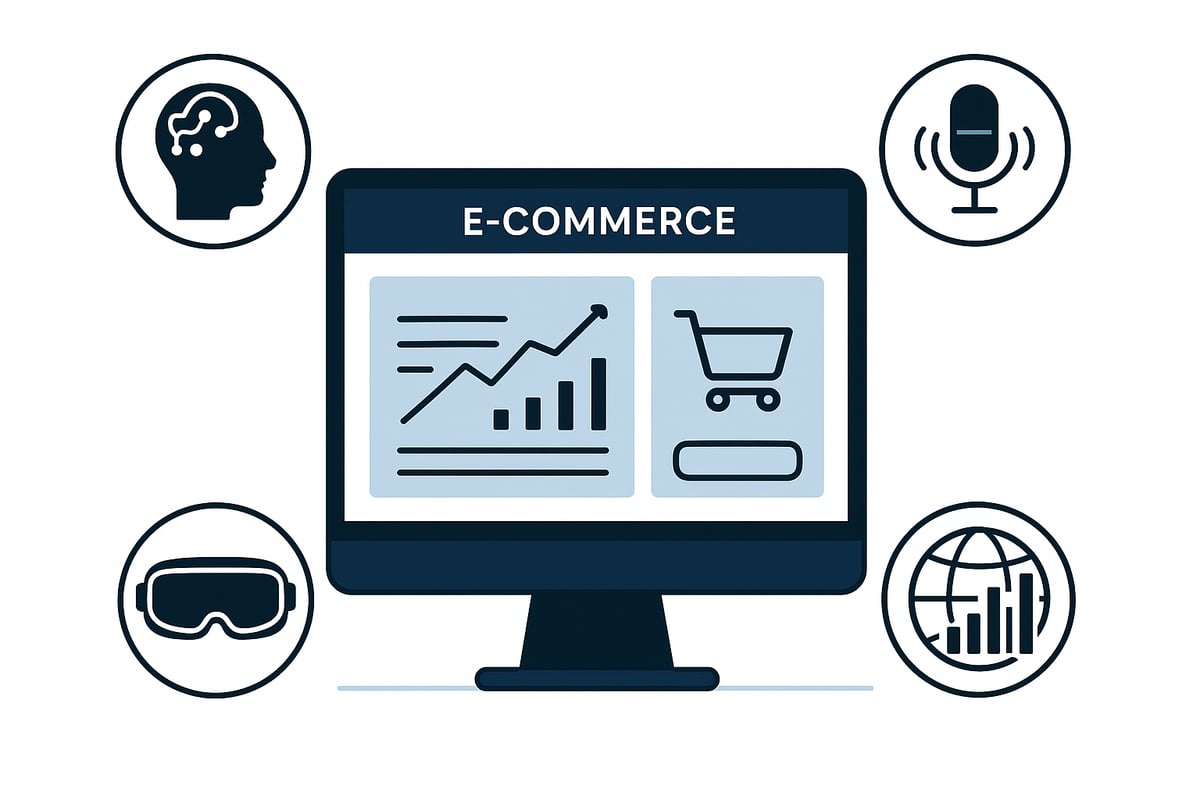
Key trends shaping webflow ecommerce:
AI-driven personalization for tailored product recommendations.
Voice commerce interfaces making shopping even more accessible.
Immersive AR and VR shopping experiences redefining how customers interact with products.
Webflow ecommerce is expected to advance with new features and platform improvements, including increased scalability and higher item limits as detailed in Webflow's Increased Ecommerce Scale. These updates empower brands to grow without technical constraints.
No-code and low-code solutions are becoming essential for ecommerce agility. This shift helps businesses adapt quickly, experiment with bold ideas, and launch updates faster than ever.
For ecommerce entrepreneurs, the key to thriving in 2026 is maintaining flexibility. Embrace new features as they launch, stay informed about evolving consumer expectations, and always be ready to innovate.
By leveraging the latest webflow ecommerce capabilities, you can future-proof your business and create memorable shopping experiences for customers.
Share article



$249
$3601
All Access
Save with our all access bundle - get access to all premium Framer templates.
38
+
Framer Templates
51
+