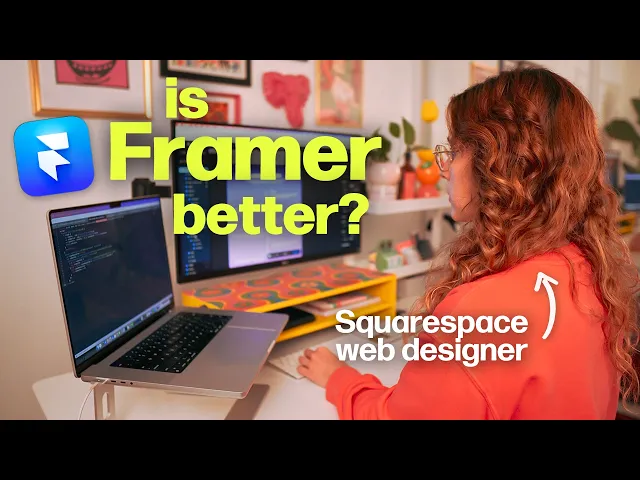
Jan 24, 2026

Pawel Gola
Framer & Webflow Expert
Web design is evolving at lightning speed, fueled by the growing demand for no-code tools that empower anyone to build beautiful, functional sites.
Enter the framer website builder, an innovative platform redefining how designers and creators approach modern web projects in 2026. Its intuitive features put advanced design capabilities within reach.
This guide is your roadmap to mastering the framer website builder. You will learn to craft visually stunning, high-performing, and future-proof sites with ease.
Explore everything from Framer’s core features to step-by-step building, advanced design strategies, integrations, SEO, and expert tips. Ready to elevate your web design skills? Let’s dive in.
Framer Website Builder: The Modern Web Design Revolution
The framer website builder has rapidly become a defining force in modern web design. What started as a prototyping tool has evolved into a comprehensive platform that empowers creators to build fully functional, visually stunning websites. This transformation reflects the broader shift towards no-code solutions, making high-end design more accessible to everyone.
Today, the framer website builder stands out for its real-time design, seamless code-free workflows, and a focus on designers’ needs. Its rise is not just about new features, but about reimagining how websites are created, launched, and iterated. Let’s explore why Framer is leading the charge in 2026.
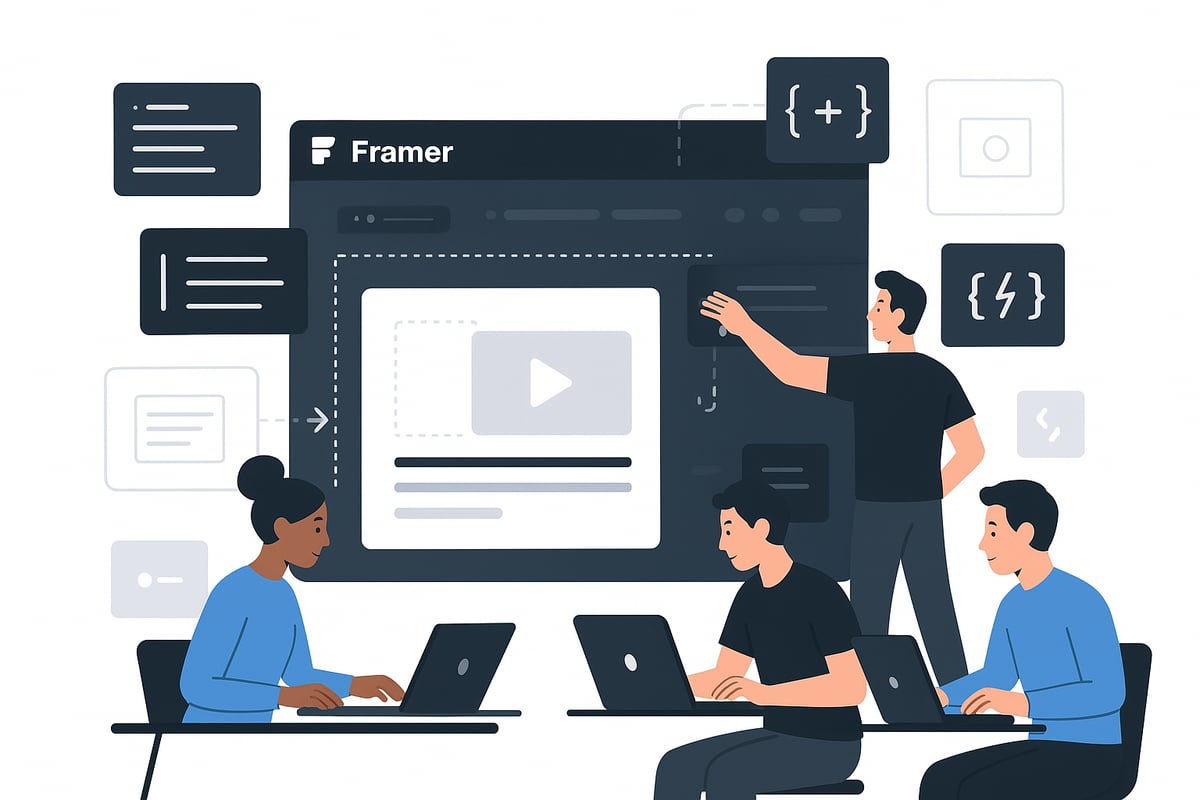
What is Framer and Why It’s Leading in 2026
Framer began as a prototyping tool, enabling designers to visualize interactive concepts without writing code. Over the years, it has grown into a full-fledged framer website builder, offering everything needed to create, deploy, and manage live sites. This journey mirrors the digital world’s demand for faster, more flexible solutions.
What sets the framer website builder apart is its real-time design environment. You can see your changes instantly, collaborate with your team, and ship updates without friction. Unlike traditional platforms, Framer is built for designers first, prioritizing creativity and control over rigid templates.
Compared to no-code tools like Wix Studio and Webflow, Framer’s focus on performance, interactivity, and animation puts it ahead. Its adoption is accelerating, especially among freelancers, agencies, and SaaS startups seeking speed and polish. Top brands are already choosing Framer for rapid product launches, while the wider adoption of no-code tools signals a new era of democratized web creation.
Key Features and Capabilities
The framer website builder delivers a suite of features designed to streamline modern web design:
Visual drag-and-drop editor with intuitive responsive controls
Animation and micro-interaction tools such as parallax, hover, scroll, and support for Lottie and Rive
Modular components and reusable design systems for scalable, maintainable projects
Built-in CMS for managing dynamic content, blogs, and portfolios
Collaboration features that enable real-time teamwork and smooth client interactions
Imagine a creative agency building a portfolio site: they use Framer’s drag-and-drop editor, add animated sections, and manage content via the CMS. The result is a dynamic, responsive, and easily updatable website, all without writing a single line of code. The framer website builder’s flexibility allows teams to experiment, iterate, and deliver standout experiences.
Framer vs. Other Website Builders: Where It Excels
When comparing the framer website builder to platforms like Wix Studio, Webflow, and traditional CMS solutions, several distinctions emerge.
Feature | Framer | Webflow | Wix Studio | Traditional CMS |
|---|---|---|---|---|
Hosting | AWS-powered, 99.99% uptime | Built-in | Built-in | Varies |
Design Flexibility | Freeform canvas, manual breakpoints | CSS grid/flexbox | Templated | Limited |
Animation Tools | Advanced, real-time | Moderate | Limited | Minimal |
Ease of Use | Designer-first, visual | Visual, some code | Beginner-friendly | Complex |
Collaboration | Real-time, multi-user | Limited | Limited | Varies |
Framer’s AWS infrastructure ensures robust performance and security. Its design flexibility, with features like freeform canvas and manual breakpoints, gives designers unmatched control. Whether you are a beginner or an advanced designer, the framer website builder strikes a balance between ease of use and creative freedom.
For a deeper dive into how Framer compares with its closest competitors, see this Framer vs Webflow comparison.
In summary, the framer website builder is not just another tool—it is a catalyst for the modern web design revolution, empowering creators to build, launch, and scale future-proof sites with unprecedented speed and quality.
Step-by-Step: Building Your First Website with Framer
Starting your journey with the framer website builder can be exciting and transformative. This step-by-step guide walks you through planning, designing, adding interactivity, managing content, and publishing your first site. Whether you're building a portfolio or a SaaS landing page, these foundational steps ensure your project is modern, interactive, and optimized for success.

Step 1: Planning and Setting Up Your Project
Every successful website begins with clear goals. Define your site's purpose, identify your target audience, and outline key objectives. Are you building a personal portfolio, a SaaS landing page, or a blog? Map out the essential pages and features your visitors will expect.
Next, decide whether to use a professionally designed template or start from scratch. Templates can dramatically reduce setup time and ensure best practices. For an in-depth overview of available options and how to select the best fit for your project, consult the Framer website templates guide.
Set up your workspace by creating a new project in the framer website builder. Organize your project structure early, grouping pages and assets into logical folders. This helps maintain clarity as your website grows.
Step 2: Designing Layouts and Pages
With your plan in place, use the framer website builder's visual editor to craft layouts. Employ grids and flexboxes for structure, ensuring elements align perfectly across breakpoints. Drag-and-drop sections like hero banners, feature lists, testimonials, and contact forms onto your canvas.
Customize each section to match your brand. Adjust colors, fonts, and images directly in the framer website builder. Responsive design is essential, so use the built-in breakpoint manager to optimize for mobile, tablet, and desktop views. Importing designs from Figma is seamless—use the official plugin to bring your wireframes and UI kits directly into Framer.
For example, you might create a homepage with a dynamic hero section, scrolling testimonials, and a contact CTA, all within the framer website builder.
Step 3: Adding Interactivity and Animations
A modern site thrives on interactivity. The framer website builder includes built-in animation tools, letting you add hover effects, parallax scrolling, and triggered animations with ease. Use Lottie or Rive integrations for advanced motion graphics.
Best practices for animation include keeping motion purposeful and performance optimized. Limit the number of simultaneous animations and test effects across devices. For instance, animate your call-to-action button to draw attention, or add a scroll-triggered reveal to your hero section.
Experiment with micro-interactions, such as subtle button feedback, to create a polished, engaging experience in the framer website builder.
Step 4: Content Management and Dynamic Data
Dynamic content elevates your site. The framer website builder features a built-in CMS, ideal for managing blogs, portfolios, or team pages. Create CMS collections for different content types, such as articles, projects, or testimonials.
Bind these collections to design elements, enabling real-time updates without manual edits. For example, set up a blog CMS with categories and tags, then connect your article pages to display content dynamically. The publishing workflow in the framer website builder allows for easy content updates and seamless collaboration.
Keep your content organized to ensure scalability as your website or business grows.
Step 5: Previewing, Testing, and Publishing
Before launching, preview your site in real time on multiple devices using the framer website builder's simulation tools. Run accessibility checks and optimize for performance by compressing images and minimizing heavy scripts.
Set up your domain and configure SSL for secure browsing. The framer website builder streamlines publishing, offering reliable hosting and uptime monitoring. After launch, monitor your site's performance, gather user feedback, and iterate as needed.
A well-tested site built with the framer website builder is ready to impress visitors and scale with your ambitions.
Advanced Framer Design Strategies for 2026
To stand out in the evolving digital landscape, mastering advanced techniques with the framer website builder is essential. As web standards rise, designers must move beyond the basics and leverage scalable systems, responsive layouts, immersive interactions, and seamless collaboration. These strategies will help ensure your sites are not only visually stunning, but also future-ready and optimized for growth.
Building Scalable, Modular Design Systems
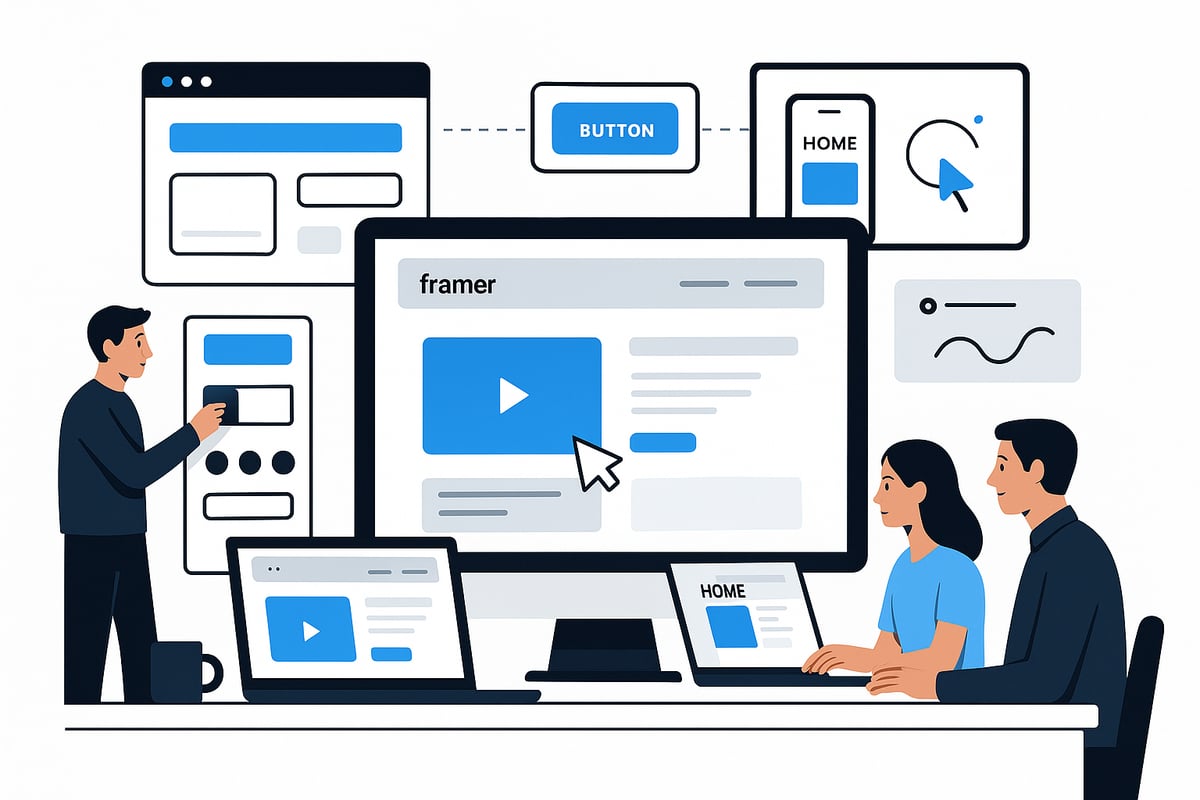
A robust design system is the backbone of any high-performing site built with the framer website builder. Start by creating reusable components such as buttons, cards, and navigation elements. Organize these components in a logical structure, using folders and clear naming conventions for easy maintenance.
Leverage design tokens for consistent typography, color palettes, and spacing. This approach ensures every part of your site aligns with your brand identity and can be updated efficiently. For teams working across multiple projects, modular UI kits improve collaboration and speed up prototyping.
Integrating Figma files directly into your framer website builder workflow allows seamless handoff and rapid iteration. To see practical examples of scalable systems in action, explore the Best free SaaS Framer templates, which showcase modular layouts and smart CMS integration.
Tips for modular systems:
Use atomic design principles for component hierarchy.
Apply global styles for colors and fonts.
Build with scalability in mind for future expansion.
A well-structured design system within the framer website builder saves time, ensures consistency, and empowers teams to scale confidently.
Mastering Responsive and Adaptive Design
Delivering a flawless experience across all devices is vital with the framer website builder. Start by defining breakpoints for mobile, tablet, and desktop. Use the visual editor’s flexible grids and auto-layout features to build adaptive sections that respond to different screen sizes.
Conditional visibility lets you tailor content for specific devices, ensuring optimal readability and usability. For instance, you might hide complex animations on mobile to boost performance. Manual breakpoint controls give you the freedom to fine-tune layouts for each scenario.
Strategy | Responsive Design | Adaptive Design |
|---|---|---|
Breakpoints | Fluid, flexible | Fixed, device-based |
Layout Adjustment | Proportional | Specific per device |
Performance | High | Optimized per case |
With the framer website builder, maintaining pixel-perfect design across all screens is achievable. Test layouts using the real-time preview to catch issues early and ensure a seamless user experience.
Animation, Micro-Interactions, and User Experience
Engaging users is easier when you harness the animation tools in the framer website builder. Incorporate scroll-based animations, parallax effects, and micro-interactions to create immersive journeys. Use built-in animation presets for common actions like hover, click, and load.
For advanced effects, integrate Lottie or Rive animations. These add dynamic visuals without sacrificing performance. Balance creativity with usability by ensuring that all animations are smooth and purposeful, avoiding unnecessary distractions.
Consider this example code snippet for a smooth fade-in effect:
When using the framer website builder, always test animations across devices. Prioritize accessibility and loading speed to keep your site engaging and efficient.
Collaboration, Handoff, and Client Feedback
Modern web projects demand efficient teamwork, and the framer website builder is equipped for seamless collaboration. Invite team members to co-edit in real time, share feedback directly on components, and manage permissions for client reviews.
Streamline the approval process by using built-in comment and versioning tools. Export assets and documentation for developers or stakeholders easily, minimizing miscommunication. For client projects, set up guided walkthroughs or interactive prototypes to gather actionable insights.
Collaboration best practices:
Assign clear roles and responsibilities.
Schedule regular feedback sessions.
Use shared libraries to maintain consistency.
Adopting these advanced strategies ensures that your framer website builder projects remain organized, scalable, and ready for any level of complexity.
Integrations, Extensibility, and Ecosystem
Modern web design demands flexibility, connectivity, and growth. The framer website builder stands out by offering a robust ecosystem that supports seamless integrations, extensibility, and a thriving community. Whether you need analytics, dynamic content, or advanced design add-ons, Framer’s platform empowers you to build future-ready sites that adapt as your needs evolve.
Connecting Framer with Third-Party Tools
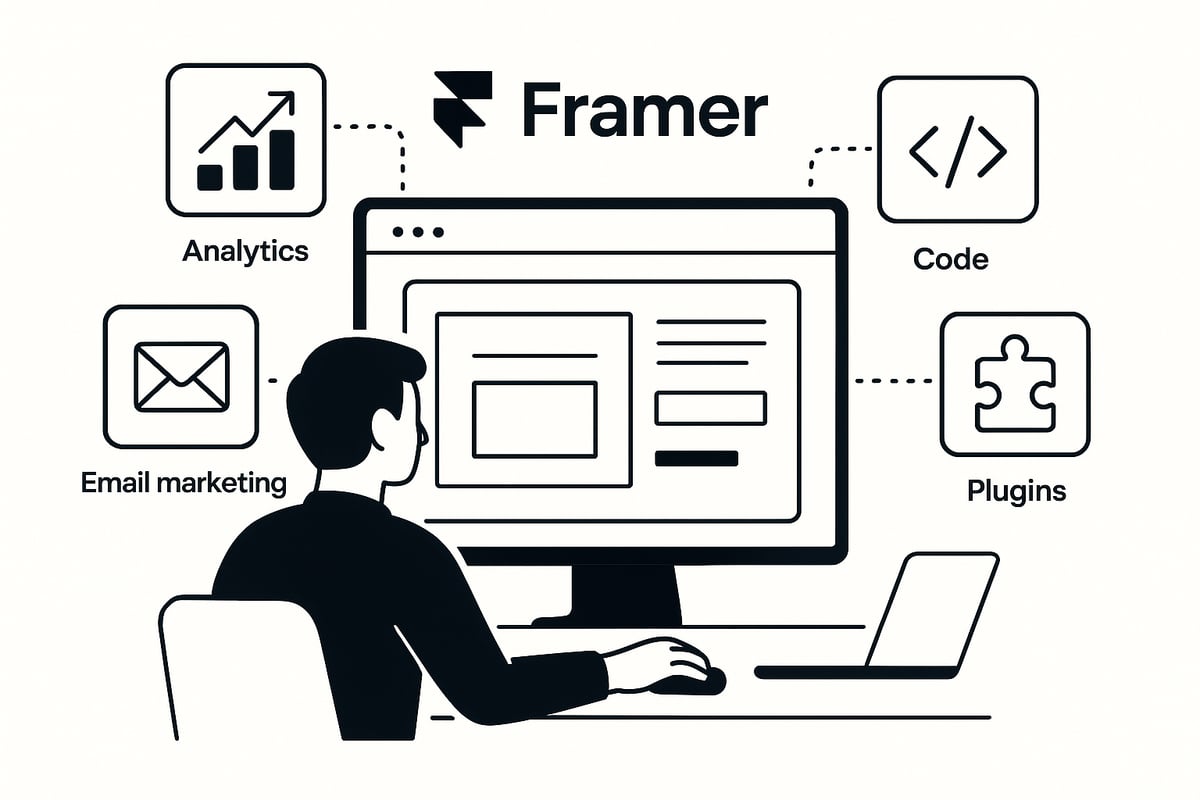
The framer website builder makes it simple to integrate essential third-party services for analytics, marketing, and user engagement. You can embed Google Analytics or Hotjar for data-driven insights, connect forms for lead generation, and add email marketing platforms to automate communication.
For more advanced functionality, Framer allows you to insert custom code snippets or widgets. This enables tracking, live chat, or even payment processing. Developers can also leverage Framer’s API to automate workflows or sync with external systems, making the framer website builder a flexible hub for any business or creative project.
Add analytics scripts for real-time tracking.
Integrate newsletter signup forms.
Embed external widgets or payment gateways.
Enhancing Content with CMS and E-commerce
A powerful content management system is at the core of the framer website builder. Framer’s built-in CMS lets you manage blogs, portfolios, and team pages with ease. Content editors can update text, images, and categories without touching the design canvas.
If your site requires e-commerce, Framer supports dynamic product pages, collections, and cart features. This means you can showcase products, manage inventory, and enable smooth checkout experiences, all within the framer website builder. For a deeper dive into content management and localization, see Framer's CMS and Localization Capabilities.
Organize dynamic content in collections.
Bind CMS data to design elements.
Scale e-commerce for small businesses or creators.
Extending Framer with Plugins and Add-ons
The framer website builder offers a growing library of plugins and add-ons to expand your site’s capabilities. Popular plugins cover everything from advanced animations to SEO tools, accessibility features, and interactive components. Designers can tap into community resources, template marketplaces, and learning hubs to accelerate their workflow and stay ahead of trends.
Framer’s extensibility ensures your site can grow alongside your ambitions. As new tools emerge, integrating them is straightforward, keeping your web presence fresh and competitive.
Browse the Framer plugin library for new features.
Access community-built templates and design systems.
Join learning hubs to master advanced workflows.
SEO, Performance, and Future-Proofing Your Framer Site
Staying ahead in web design means more than just beautiful visuals. Your framer website builder project must excel in SEO, deliver high-speed performance, and be ready for tomorrow’s challenges. In this section, you will learn how to optimize every aspect of your site for visibility, speed, security, and adaptability.
SEO Foundations in Framer
Optimizing your framer website builder site for search engines starts with a solid foundation. Framer makes it straightforward to set up clean URLs, edit meta titles and descriptions, and implement structured data. These features ensure search engines can easily understand and index your content.
Key on-page SEO elements to address include:
Customizable meta tags for every page
Semantic HTML for headings and content structure
Image optimization with descriptive alt text
Accessible navigation and interactive elements
Framer’s built-in SEO tools streamline these tasks, letting you preview changes in real time. Utilizing features like on-page editing, as described in Framer's On-Page Editing Feature, allows for instant updates to content, which is essential for keeping your site fresh and search-friendly. Remember, a well-optimized framer website builder is more likely to rank highly and attract organic traffic.
Performance Optimization for Modern Web Standards
The framer website builder stands out for its robust AWS-powered hosting, integrated CDN, and smart caching, which all play a vital role in site speed and reliability. Fast-loading sites not only improve user experience but also boost search engine rankings.
To maximize performance:
Optimization Strategy | Impact on Site |
|---|---|
Image compression | Faster load times |
Lazy loading assets | Reduced initial load |
Code splitting | Efficient delivery |
Global CDN distribution | Lower latency |
Monitoring Core Web Vitals with Framer’s built-in analytics helps you track metrics like Largest Contentful Paint and Cumulative Layout Shift. Reducing page weight by optimizing images and limiting unnecessary scripts is crucial. A high-performing framer website builder site keeps visitors engaged and supports long-term growth.
Security, Reliability, and Scalability
Your framer website builder project benefits from enterprise-grade security and reliability features. SSL certificates are automatically included, ensuring encrypted connections for users. Framer protects your site with DDoS mitigation and secure AWS hosting.
Key security and reliability features:
Automatic SSL setup for every domain
Daily backups and version control
99.99% uptime with global failover
Scalable infrastructure for traffic spikes
With these measures in place, you can confidently scale your framer website builder to handle increased demand, whether for a campaign launch or a growing user base. Site management is simplified with recovery options and continuous monitoring for threats.
Preparing for the Future of Web Design
Web design is evolving rapidly, and the framer website builder is designed to keep you ahead. Regular platform updates introduce new features, while the growing community shares best practices and trends.
Stay competitive by embracing:
AI-driven design assistants and automation
Adaptive layouts and emerging web standards
Integration with cutting-edge tools and plugins
Framer’s commitment to innovation is evident in its AI-Powered Website Builder, which brings AI Translation, Text Rewrite, and design automation into your workflow. Leveraging these advancements ensures your framer website builder site stays relevant, efficient, and future-ready. As the digital landscape evolves, adopting these tools will help you maintain a modern, competitive online presence.
Expert Tips, Resources, and Community Insights
Mastering the framer website builder goes beyond knowing the tools. Real expertise comes from learning best practices, tapping into community wisdom, and keeping pace with evolving trends. This section brings together proven strategies, trusted resources, and expert perspectives to empower your journey with Framer.
Best Practices from Leading Framer Designers
Top designers who use the framer website builder agree on a few core principles for success. First, prioritize clarity in layouts and maintain a consistent design system. Modular components not only speed up your workflow but also ensure scalability as projects grow.
Common pitfalls include overusing animations, which can hurt performance, and neglecting accessibility. Always test your site on multiple devices and browsers, as even the most polished design can fail if it is not universally usable.
Here is a quick table of best practices:
Best Practice | Why It Matters |
|---|---|
Modular Components | Scalability and easy updates |
Accessibility | Wider audience reach |
Performance Focus | Fast load times, better SEO |
Consistent Branding | Professional, memorable identity |
For a deeper understanding of how the framer website builder stacks up against other platforms, consult this **Framer vs. Webflow vs. Wix Comparison** for valuable insights from industry experts.
Learning and Growing with the Framer Community
The framer website builder community is an invaluable resource for both beginners and advanced users. Start with the official Framer Academy, which offers step-by-step tutorials and in-depth documentation. Engaging in community forums or joining local meetups can help you solve challenges faster and stay motivated.
Participating in template marketplaces and design challenges is another way to sharpen your skills. If you are looking for practical starting points, explore the Free Framer templates collection to access ready-made resources curated for learning and rapid site launches.
Continuous learning is key. Sharing your projects and seeking feedback from other framer website builder users will accelerate your growth and help you build a strong portfolio.
Staying Competitive in the Modern Web Design Landscape
To stay ahead in web design, you must adapt quickly and embrace ongoing education. Follow industry blogs, subscribe to newsletters, and attend webinars focused on the framer website builder and broader design trends.
Building a portfolio that highlights your best Framer projects is essential for attracting clients and employers. Document your process, showcase case studies, and explain the outcomes achieved with the framer website builder.
Leverage your skills for freelance opportunities, agency roles, or in-house positions. The demand for designers proficient in no-code tools is rising, so your expertise with the framer website builder can open new career paths.
Roadmap: What’s Next for Framer and No-Code Web Design
The future of the framer website builder is shaped by rapid innovation and a growing community. Expect regular feature updates, improved collaboration tools, and deeper integrations with emerging technologies. Staying informed about Framer’s development pipeline will help you prepare for new opportunities.
Predictions for the no-code space include increased use of AI-driven design assistants and more automation in workflows. By experimenting with new features and iterating your designs, you will remain at the forefront of web creation.
Embrace a mindset of curiosity and adaptability. The framer website builder is not just a tool but a platform for creative exploration and professional growth.
Share article


$249
$3601
All Access
Save with our all access bundle - get access to all premium Framer templates.
38
+
Framer Templates
51
+